
 English
 Bengali
JYJELI Login — Secure Entry in Seconds
Ready to get into JYJELI without guessing your way around the sign-in screen? Whether you came for match odds during the cricket betting rush, a quick spin session, or a full casino night, the account access flow is built to be simple for Bangladesh players.
Once your details are saved on your own device, login usually takes only a few taps. Below, you’ll find the practical route for signing in, creating an account, recovering access, and keeping your balance protected before you explore the casino lobby, instant games, slots, bonus offers, or the Android app.
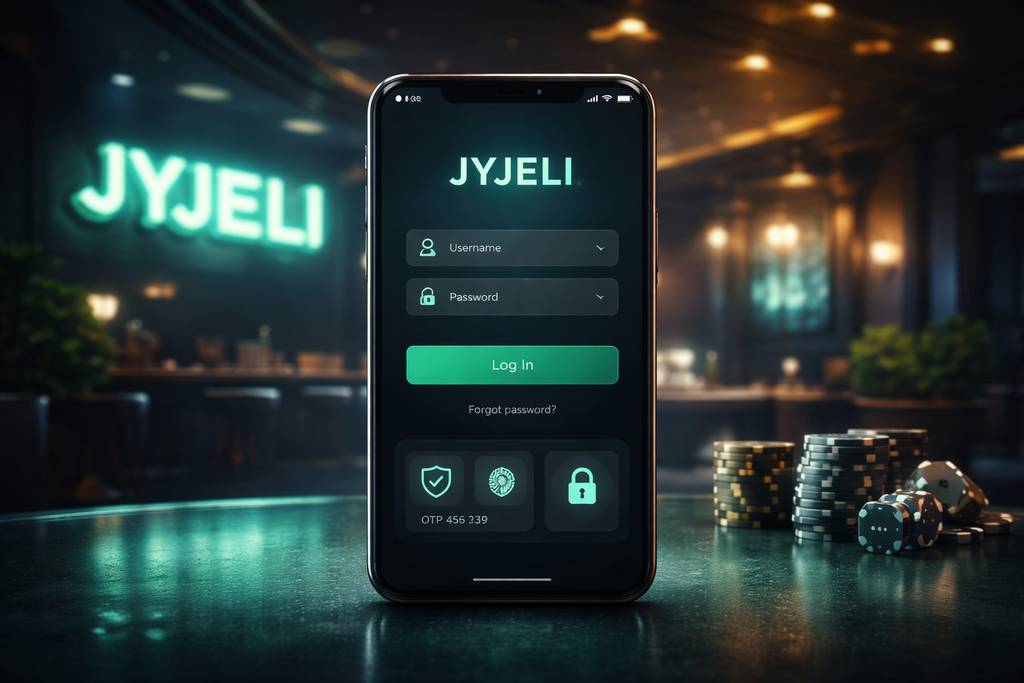
🔑 How to Log In to JYJELI
Open JYJELI on your browser or launch the app, then check the top area of the screen for the sign-in button. Tap it and the login panel appears with the usual account fields.
Enter the username, registered mobile number, and password combination you used when setting up your profile. Confirm the details, wait for the secure check to complete, and your dashboard should load immediately if everything matches.
Main access options:
| Method | Requires | Average Speed |
|---|---|---|
| Username + password | Enter saved credentials | ~10 sec |
| Phone number + password | Use registered BD number | ~10 sec |
| Biometric (app only) | Fingerprint or Face ID | ~2 sec |
A quick habit worth building: only keep the "remember me" option active on your personal phone. If you use a family tablet, office computer, cybercafe machine, or any borrowed device, leave it unchecked and log out after playing.
After access is confirmed, move carefully through your wallet, promotions, and game sections. If you plan to play on Android regularly, the JYJELI app is the smoother route for repeat sign-ins and quicker navigation.
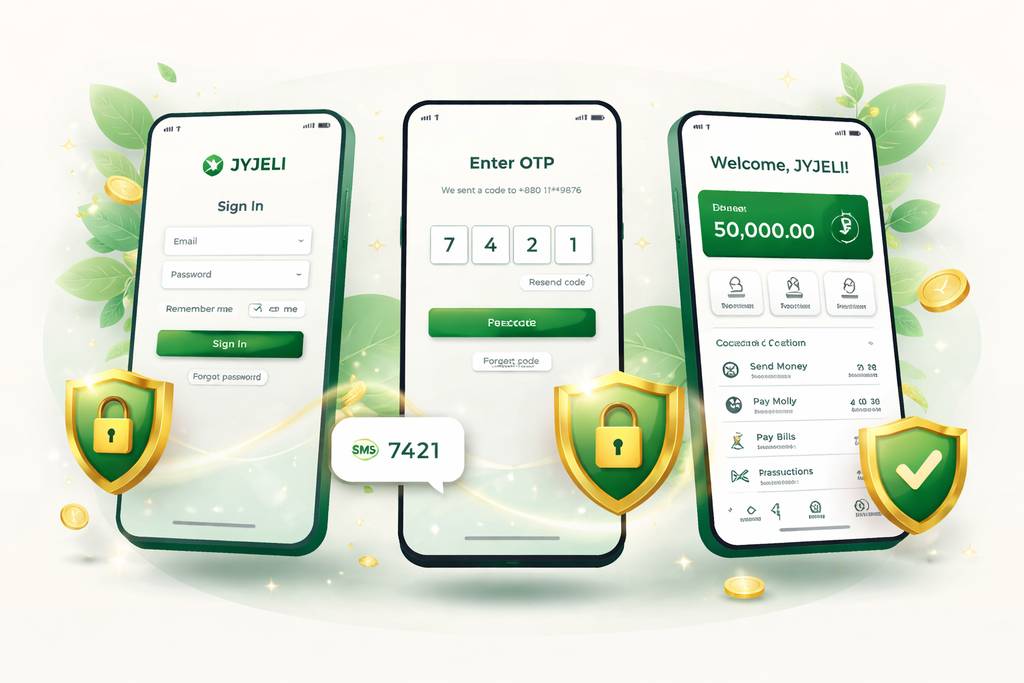
📝 Creating a New Account
If you are new to JYJELI, registration is designed around the tools most Bangladesh players already use. You do not need to prepare a long document bundle just to open the account and look around.
- ✅ A Bangladesh mobile number that can receive SMS
- ✅ A payment wallet you personally control, such as bKash, Nagad, or Rocket
- ✅ 2 minutes of focused time to finish verification correctly
Registration flow:
- Tap the Register option from the main site menu or inside the mobile app
- Type your Bangladesh mobile number carefully, preferably the same number connected to your payment wallet for cleaner withdrawal checks
- Create a strong password using upper and lower case letters, numbers, and at least one symbol
- Enter your legal name exactly as you would use it for future account verification
- Select BDT so deposits, bonuses, and withdrawals appear in Bangladeshi taka
- Add a promo code if you have one, especially if you want to claim a welcome bonus before your first deposit
- Submit the OTP delivered to your mobile phone by SMS
- Confirm the profile and your JYJELI account becomes ready for browsing
Once the account opens, take a few minutes to understand the wallet page, limits, and game categories before depositing. You can inspect the live casino area, compare sports markets, or review available promotions without rushing into a payment.
Usually not required at the first signup stage:
- ❌ Email verification before entering the lobby, though adding one later is useful
- ❌ NID upload unless you are completing withdrawal or security checks
- ❌ Selfie / KYC for normal browsing, only requested for withdrawals over ৳10,000
- ❌ Address proof during basic account creation
That makes the entry process lighter than many platforms serving Bangladesh, while still leaving room for proper verification when real-money withdrawals are involved.
🔒 Account Security Tips
Your JYJELI account connects to money, personal details, and playing history, so protect it with the same caution you would use for mobile banking.
Do:
- ✅ Build a password that is unique to JYJELI and not reused from Facebook, Gmail, or wallet apps
- ✅ Activate 2FA (two-factor authentication) where available, especially for new-device logins and password changes
- ✅ Use biometric access on the Android app if your phone supports fingerprint or Face ID unlocking
- ✅ Sign out every time you finish on a shared handset, work laptop, or shop computer
- ✅ Review login history from the security area at least once a month, particularly after travelling or using public networks
Don't:
- ❌ Give your password, OTP, or recovery code to friends, agents, group admins, or strangers online
- ❌ Store login details in a public browser profile where another person can open them later
- ❌ Follow unexpected password-reset links from SMS, Messenger, WhatsApp, or email without checking the source
- ❌ Play over public wifi for real-money sessions unless you understand the risk and use proper protection
- ❌ Trust social media pages claiming private JYJELI support unless they are verified through the platform itself
Watch for phishing: if a message says your JYJELI balance, bonus, or withdrawal is locked and pushes you to sign in through a strange link, stop first. Use jyjelibd.com as your reference domain and ignore lookalike addresses with extra words, misspellings, or suspicious endings.
❓ Password Recovery
Forgotten passwords are common, especially if you normally use biometric login. The safest fix is to reset through the official recovery form, not through social media messages or random support profiles.
- Choose "Forgot Password" from the sign-in panel
- Enter your registered phone number exactly as it appears on the account
- Wait for the 6-digit SMS code and keep the code private
- Submit the code inside the recovery screen
- Create a new password that you have not used on other sites
- Return to login and access JYJELI with the updated details
The reset normally finishes in about 2 minutes. For safety, recovery codes expire after 10 minutes, so complete the process as soon as the SMS arrives.
If the SMS does not arrive:
- Check whether your SIM has signal and can receive regular SMS messages
- Wait 60 seconds before pressing "Resend code" so the gateway is not flooded
- Try the email recovery path if you previously added and verified an email address
- Use live chat only after the basic resend steps fail, because manual review takes longer
If you no longer control the registered phone number:
Contact support and prepare clear proof:
- Registered account name
- Approximate signup date
- Last deposit amount + method, including bKash/Nagad TRX ID if available
- NID scan or similar verification if requested
The team may transfer the account to a new number or reset access after checking ownership. Manual verification can take 24–48 hours, which is normal when support is preventing account theft.
📱 Mobile vs Desktop Login
JYJELI works across modern phones and computers, but each access style feels different depending on how you play and how often you move between sections.
- Mobile browser (Chrome, Safari):
- ✅ Opens without installation on Android and iPhone
- ✅ Good for checking balances, promos, and quick markets
- ✅ Full account functions remain available
- ❌ No biometric shortcut inside the browser
- ❌ May feel slower on weak 4G during busy match hours - Android app:
- ✅ Biometric login for faster repeat access
- ✅ Push alerts for selected updates and account actions
- ✅ Smoother switching between lobby, wallet, and live sections
- ✅ Better experience for regular Bangladesh mobile users
- ❌ Android only, with no dedicated iOS app
- ❌ Requires safe installation permissions before first launch - Desktop browser:
- ✅ Larger screen for comparing several cricket or football markets
- ✅ Comfortable view for live dealer tables and account settings
- ✅ Useful when reviewing transaction history or support chats
- ❌ No fingerprint or Face ID shortcut
- ❌ Less convenient if you prefer playing while travelling
Most players in Bangladesh lean toward mobile because deposits, OTPs, and app wallets already sit on the same phone. Desktop is better when you want a bigger layout, especially while comparing the betting board with casino or slot options open nearby.
🛟 Login Support & Help
If login keeps failing, do not keep guessing passwords until the account locks. Use the right support channel and explain the issue clearly with screenshots if possible.
- 1. Live chat — usually visible at the bottom corner of the site or app
- Available for urgent sign-in and OTP problems
- Best for quick checks such as wrong password, locked access, or missing recovery SMS
- Keep your registered phone number ready, but never type your password into chat - 2. Email — [email protected]
- Better for cases requiring documents, screenshots, or transaction references
- Include your username, phone number, device type, and the exact error message
- Response can take longer than live chat, but the written trail helps with complex account reviews - 3. Official in-platform notices
- Use only channels shown inside JYJELI or on jyjelibd.com
- Good for checking maintenance updates, login delays, or app version notices
- Avoid unofficial Telegram or Facebook helpers asking for OTPs, wallet PINs, or deposits
Real support will never ask you to reveal your password. If anyone claims they need it to unlock your JYJELI profile, close the conversation immediately and report the contact through official support.
❓ FAQ
Straight answers for Bangladesh players dealing with JYJELI sign-in, registration, OTP messages, password resets, and verification checks.
Use your Bangladesh phone number, create a password, and confirm the OTP. The process normally takes about 2 minutes, and you can explore before submitting documents.
Yes, up to 2 devices at the same time. If more sessions appear, JYJELI may trigger a security review and ask for SMS confirmation before allowing further access.
Wait 60 seconds and request a resend. Also check signal strength, blocked SMS settings, and whether the number is typed correctly. If repeated codes fail, contact support.
Yes, when you use the official domain and protect your credentials. Security features may include SSL encryption, OTP checks, optional 2FA, app biometrics, and login history controls.
Yes, but verification is required. You may need to confirm ownership of the old number, prove the new number, and provide account details before support approves the change.
No for basic signup. KYC normally appears before withdrawals over ৳10,000, during account ownership checks, or when payment details need confirmation.
Ask support through live chat or email. They will verify your identity, settle any remaining balance according to rules, and process account closure within 7 days.
The account may lock for 30 minutes after 5 failed attempts. Use the password recovery tool instead of continuing to guess, then set a fresh secure password.
💭 Final Word
JYJELI login is straightforward once you understand which detail goes where: registered phone or username, private password, and OTP when requested. The account flow is especially practical for Bangladesh users who rely on mobile wallets and SMS verification every day.
If something breaks, start with password recovery and then move to live support rather than trusting outside contacts. Clear screenshots, the correct phone number, and transaction references make the support process faster.
For the safest routine, keep a unique password, turn on extra verification, download only from official sources, and use the JYJELI Android app if you want quicker biometric access on your own device.